
Managing financial commitments is key for anyone financing a vehicle, whether you’re an individual car buyer or a dealership managing client agreements. Auto-pay systems simplify payment processes, but there may come a time when you need to disable these functions for various reasons, such as personal preference or a shift in financial management strategies. This guide outlines the essential steps to turn off auto-pay with OneMain Financial, explores important considerations for this change, guides you through confirming your cancellation, and provides contact information for further assistance. Each chapter delves into critical aspects that ensure your transition away from auto-payment systems is smooth and seamless.
Taking Back Control: A Practical Guide to Turning Off Auto-Pay with OneMain Financial
Autopay can be a lifeline for many borrowers, preserving punctuality and never missing a payment in the middle of a busy month. Yet when circumstances shift—perhaps a change in income, a new budgeting plan, or the desire to tighten control over your cash flow—auto-pay can feel more like a tether than a safety net. This chapter blends practical instruction with a broader view of how to reclaim billing autonomy, specifically when managing payments with OneMain Financial. It’s designed to feel less like a checklist and more like a confident stride through your own financial routine, where you decide when, how, and why each payment leaves your account. The goal is to empower you to pause, review, and adjust your arrangements without fear of penalties or confusion. If you’re ever uncertain, remember that the path to manual control often starts with a single login and a careful scan of the payment options available in your account.
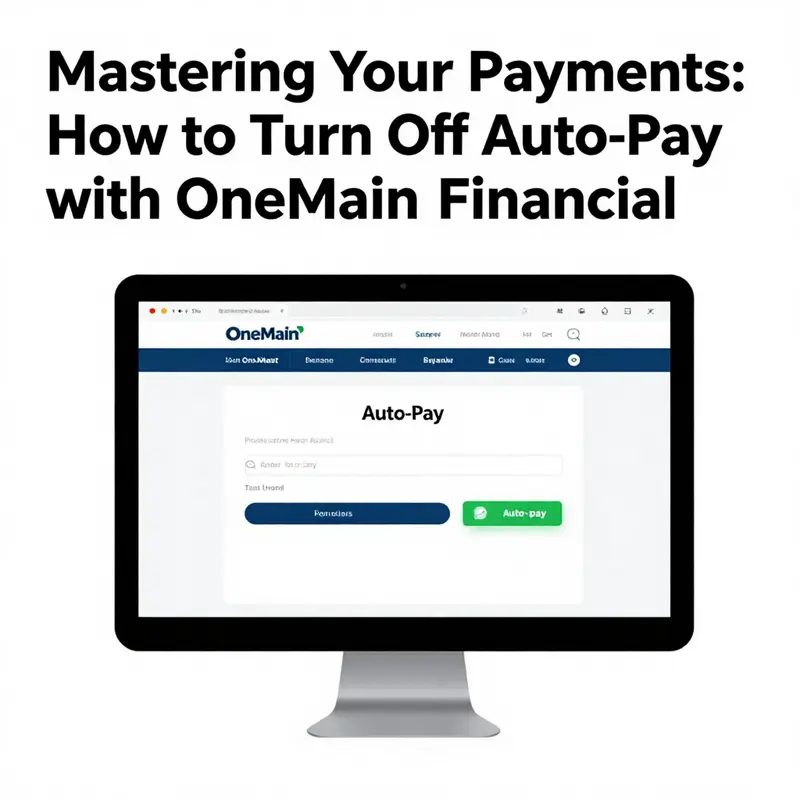
The first step is straightforward but foundational: access your OneMain Financial online portal, either through the official website or the mobile app. If you already have an account, you can log in with your username and password and navigate to the corner of your dashboard that handles payments. If you don’t yet have access, you’ll need to register for an account, a process that typically involves confirming your identity and linking your loan or account information. Once you’re inside, you begin the careful work of locating the right settings. The interface is generally organized around a few core concepts—Payments, Billing, and Account Management. Within that framework, look for sections labeled explicitly with terms like Auto-Pay or Automatic Payments. This is the doorway to your autopay configuration. The moment you locate that section, you start to shift from passive to active management: you’re choosing not just how you pay now, but how you want to pay in the future. If you’re the type who appreciates a little context, it can help to recall why autopay was set up in the first place. For some, it was a convenience to avoid late fees. For others, it was a way to ensure consistency when life got busy. Either way, turning it off is not a step away from responsibility—it’s a deliberate move toward more deliberate financial planning.
The process itself is designed to be intuitive, yet it can vary slightly depending on whether you’re on the website or using the mobile app. On the website, after you’ve logged in, your attention typically shifts to a Payments or Billing area. In that space, you’ll find a subsection dedicated to recurring payments or auto-pay. This is your control room. You’ll see details about your current auto-pay setup, including which payment method is linked and the schedule that has been established. The moment you identify the auto-pay option, you’ll likely be presented with a few choices: edit, pause, cancel, or disable. The act of turning auto-pay off is usually labeled as Disable, Turn Off, or Stop Auto-Pay. Pressing that option triggers a confirmation step—the system asks you to confirm that you want to discontinue automatic payments. It’s a small moment, but it’s essential: the confirmation serves as your last guardrail against accidental cancellation. Once you confirm, you receive a message on the screen indicating that auto-pay has been successfully turned off. It’s prudent to take a screenshot or note the confirmation number if one appears, and to check your email for any follow-up communication from OneMain Financial confirming the change. This isn’t just a formality; it’s a record you can reference if a payment is drafted automatically during a transition period.
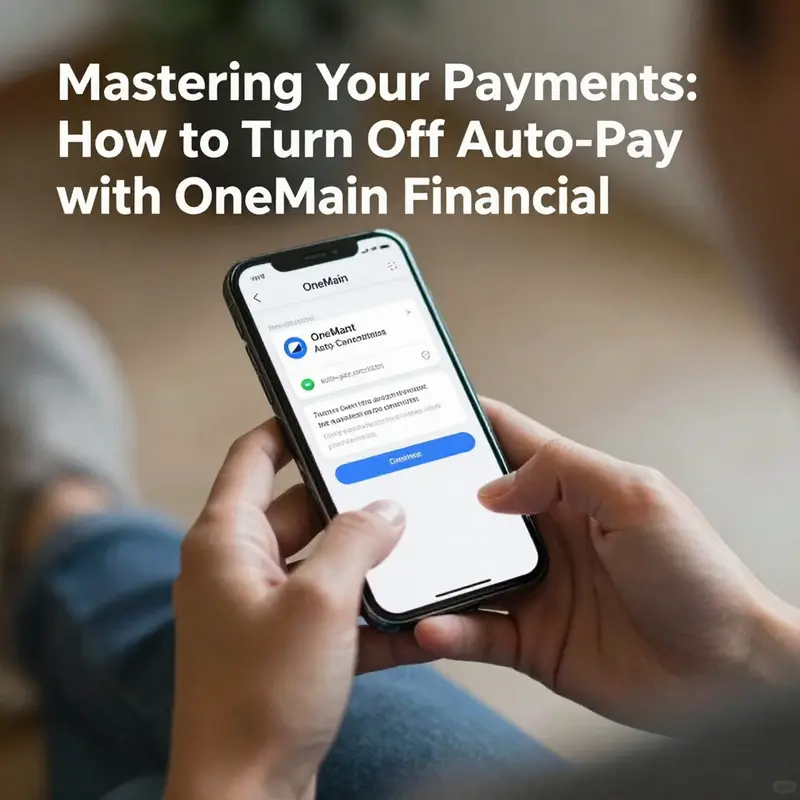
If you’re using the mobile app, the steps mirror the website but with the streamlined navigation typical of app design. After logging in, explore the Payments or Billing area and look for Auto-Pay settings. The language may vary slightly—some apps label it as Recurring Payments or Auto-Withdrawals. The important part is to locate the exact control that governs automatic drafts from your chosen payment method. When you select to turn auto-pay off, the app will typically prompt you to confirm your choice with a Yes or Confirm button. The on-screen feedback should acknowledge that the setting has been updated. If you prefer a more cautious approach, you can choose to disable temporarily and reassess later, or rearrange your payments to a calendar reminder rather than automatic drafts. Either approach keeps you in the driver’s seat and preserves your ability to adjust as your circumstances evolve.
Beyond the click of a button, there are practical considerations that help ensure the transition remains smooth. First, there is the matter of confirmation. You should receive an acknowledgment that your auto-pay has been disabled. This acknowledgment may arrive as an on-screen note and, in many cases, as an email from OneMain Financial. Keeping this confirmation on hand ensures you have a clear record that autopay is no longer active. The timing of that confirmation matters, too. Stopping auto-pay does not necessarily erase a payment that is already queued for the upcoming cycle. If a payment is scheduled for the near term, you may still see it process even after you’ve turned off autopay. The remedy is to review your upcoming payment dates in the same Payments area and, if needed, cancel or reschedule the next payment manually. It’s an excellent habit to review your payment calendar in the days after turning autopay off, ensuring there are no unintended drafts slipping through the cracks.
Another practical point is the alignment of your payment method. If you’ve linked a card or bank account to autopay, you will still retain the ability to make manual payments using the same method. Turning off autopay does not erase the payment method, nor does it alter any existing obligations. It simply removes the automated trigger that previously initiated recurring charges. This distinction matters because it preserves your flexibility: you can continue to pay on your own terms, whether that means setting a one-time payment for mid-month cash flow management or scheduling a payment in advance to coincide with a paycheck. The moment you switch to manual payments, you gain a clearer view of your income and expenses. You can more easily observe how changing one payment date affects your cash flow, allowing you to adjust your budget with a greater sense of accuracy and control.
If you encounter any obstacles during this process, it’s wise to reach out to OneMain Financial’s customer service. The company provides support channels designed to guide you through account changes. You may find yourself contacting a representative by phone to walk through the precise steps or to handle the adjustment on your behalf if you run into interface issues. In the event that you prefer direct human assistance, you can call customer service at 1-800-961-5577, which is a common point of contact for account-related questions. Some sources also reference 1-800-627-9590 as an additional line for support. Having both numbers on hand gives you options if one route is temporarily unavailable. When you speak with a representative, you can ask to verify that autopay has been disabled and request a confirmation message or email that documents the change. A capable agent can also help review your forthcoming payment schedule to ensure there is no overlap and that the transition to manual payments proceeds without surprises.
To ensure you’re using official guidance, you can consult the OneMain Financial Help Center, which is regularly updated with the latest steps and policies. The Help Center is a reliable resource if you want to review the official language around autopay, or if you want to confirm any region-specific nuances that might affect your account settings. The last update noted in the current research is January 2026, which helps you feel confident you’re seeing up-to-date instructions. If you want to broaden your understanding beyond OneMain, you can explore related financial resources that help connect the dots between payment automation and personal budgeting. A good way to anchor your learning is to see how autopay concepts appear in broader personal-finance contexts, including how other lenders handle recurring payments and what reminders or disclosures they provide when you modify an automatic-draft arrangement. A deeper understanding can reduce anxiety about the process and improve your decision-making in the future.
At the heart of this process is a simple truth: turning off autopay is not about losing a safety net but about recentering your financial plan around deliberate choice. It invites you to design a payment rhythm that aligns with your income schedule, your savings goals, and your tolerance for risk. If you decide to continue using autopay for some accounts and not for others, you’re not contradictory—you’re practicing nuanced, context-aware money management. This approach is especially valuable when managing a complex portfolio of debts or loans, where cash flow varies from month to month. In situations where your income is seasonal, or when you’re juggling multiple bills, manually scheduling payments can become a powerful tool to smooth out spikes and dips in your finances. It can also reduce the likelihood of over-drafting or missing payments when an unexpected expense arises. The autonomy gained by turning off autopay extends beyond a single transaction; it builds a habit of proactive financial signaling, a habit that helps you stay informed about what you owe and when you owe it.
As you consider the broader implications, you may also want to reflect on how this change fits into your longer-term budgeting strategy. For instance, if you used autopay to automate essential payments, you might now set calendar reminders two to five days before each due date. This practice gives you a window to verify funds, adjust payment amounts if needed, and avoid any last-minute financial scrambles. It also provides a moment to review the reasons behind the payment schedule in the first place—whether those reasons were tied to late-fee avoidance, payment discipline, or simply habit—and decide if those reasons still hold true. If your aim is to reduce friction with debt management, a deliberate manual approach can be paired with a broader plan, such as aligning payments with pay cycles, negotiating payment dates, or consolidating multiple due dates into a few strategic days each month. While these steps require some upfront effort, many find that the increased clarity and control deliver lasting benefits: you gain a better sense of where your money goes and you reduce the cognitive load of maintaining automatic flows that may no longer reflect your current financial reality.
For those who want a quick mental model, think of autopay as a default setting—a choice you made once that kept paying on autopilot. Turning it off doesn’t erase the obligation; it reintroduces you as the author of the narrative. You decide when to pay, how much to pay, and via which method. You preserve the infrastructure of your loan relationship—your ability to communicate with the lender, your access to your payment history, and your capacity to adjust as needed—without surrendering your agency to a standing instruction. This is a moment to align your financial practice with your present, not with a past plan. It’s a practical move that supports a larger goal: becoming a more intentional, data-informed borrower who uses technology to serve their best interests rather than dictate them.
If you want to explore more about how to apply these concepts to other areas of your finances, there are broad resources that dive into the psychology of budgeting, the mechanics of recurring payments, and the practicalities of debt management. A useful starting point for further reading is the knowledge hub maintained by a respected financial advisory resource. It provides a neutral space to digest the ideas behind payment automation, budgeting discipline, and responsible debt handling. You can visit this hub to broaden your understanding and to see how different lenders implement similar features in their customer portals. For readers seeking a broader context, the hub offers articles and tools that complement the steps described here and help you connect autopay decisions to your overall financial planning. Knowledge hub.
Throughout this journey, keep in mind the core aim: you should feel empowered, not overwhelmed. Turning off auto-pay is a precise action with clear outcomes. It’s a move toward transparency, flexibility, and accountability in your payment practices. When you approach this task with patience and attention to detail, you can confirm your changes, verify your upcoming payments, and recalibrate your monthly cash flow with confidence. By treating autopay as a choice you actively manage, you maintain the discipline you need to meet your obligations while preserving the flexibility to adapt as your financial landscape changes. The guidance above is designed to help you do just that, whether you’re using the website, the mobile app, or seeking support from a customer service representative.
External resource: For official guidance, visit the OneMain Financial Help Center at https://www.onemain.com/help. This external reference provides the latest steps and policy notes as of January 2026, and can be a reliable stop for any lingering questions about the process or about related payment options. When you’re ready to revisit autopay in the future, you’ll have a solid foundation to decide the best path forward, tailored to your current income, obligations, and budgeting priorities.
null
null
Confirming Auto-Pay Cancellations: A Thorough, Brand-Neutral Guide to Stopping Recurring Payments with Your Lender
When you set up auto-pay with a lender, you gain convenience, but you also accept a standing instruction to withdraw funds on a schedule. The moment you decide that auto-pay should end, the goal is not merely to disable a feature in a menu, but to secure a clear, verifiable cancellation that protects you from unexpected deductions and future liability. This chapter follows a careful, practical path for confirming auto-pay cancellations. It treats the process as a transaction of trust between you and the lender, one that demands both a moment of execution and a lasting record. Whether you access your account through a browser on a computer or via a mobile app, the core steps remain stable: locate the payment controls, deactivate the recurring payment option, and verify that the change is acknowledged and stored against your account. The emphasis is on clarity and accountability, because the most common friction after turning off auto-pay is not the act itself, but the post-change reality—whether a payment was already scheduled, whether a confirmation was received, and whether the new payment rhythm aligns with your own financial plan.
Begin with the understanding that you are not simply turning a feature off; you are reasserting control over when and how money leaves your account. The first hurdle is accessibility. Open the lender’s official portal or mobile app and sign in with credentials you know are correct. If you do not yet have an online profile, you will need to register, which often involves confirming your identity with personal details or answering security questions. Once you’re in, your eye should be directed toward payment options, often labeled as Payments or Billing. These sections house a forest of settings, but your aim is a single, clearly labeled option: Auto-Pay or Recurring Payments.
Within that Auto-Pay area you will typically see the status of your current setup—whether it is active, paused, or scheduled for the next cycle. The language may vary slightly from one lender to another, but the functional markers are the same: a control to disable, an edit button to change settings, and a final confirmation prompt. If you have not pre-configured a passcode or verification method, this is a good moment to ensure your security settings are up to date so that only you can authorize changes. As you perform the action to turn auto-pay off, you may be asked to confirm your choice a second time. This is a deliberate safeguard to prevent accidental cancellations. After you confirm, the system should immediately reflect the change and present a confirmation message on screen. A good practice is to capture this message; take a screenshot or save the confirmation email if one is sent.
The practical value of this cancellation becomes evident in the days that follow. A common pitfall is the assumption that turning off auto-pay erases every scheduled withdrawal. In reality, depending on the lender’s processing cycle, a payment that was already queued may still be processed. This is why the confirmation step is essential. It gives you a concrete reference that auto-pay has been disabled and that any future withdrawals should occur only if you initiate them manually or if another arrangement is set up. If your calendar or banking app shows a payment from the upcoming cycle after you’ve disabled auto-pay, you’ll know to address it promptly. In this moment, your record of the cancellation becomes your shield against miscommunication and missed obligations. The moment you see such a scheduled deduction, you can re-examine your manual payment plan to ensure you don’t incur late fees or interest because of a misaligned due date.
A portion of the path to reliable cancellation rests on how you document and verify the change. Many lenders will send a confirmation to the email address on file, or display a digital receipt within the account portal. Keeping these confirmations is wise; save them in a dedicated folder, either in your email or in a local file, along with a note about when you turned the feature off and what date the change took effect. If you find you did not receive a confirmation, or the confirmation seems vague, reach out to customer service for explicit verification. The number or contact method may be listed in the Help or Contact section, and it is not unusual for a human agent to pull up your account and verify the status in real time. The goal is to have a definitive, auditable statement that auto-pay has been canceled, along with a written record of any caveats, such as the possibility of a payment already in motion.
The notion of timing is another vital thread in this process. Some users discover that a payment has already been scheduled for the day after they disabled auto-pay. In such cases, even though the service is turned off for future cycles, the current cycle proceeds as planned. Your manual intervention can prevent overlapping charges or duplicate payments, especially if you intend to switch to a manual payment rhythm or if you want to adjust your due date to align with your cash flow. If you rely on an income schedule or welfare of benefits to meet a payment, you may wish to coordinate with your bank or payment method to block an upcoming withdrawal, or simply prepare to make the payment manually ahead of the scheduled date. The clout of this timing is not minor. It can influence credit reporting, interest accrual, and your sense of financial momentum for the coming month.
Beyond the mechanics of cancellation, there is a thread of practical considerations that should accompany any decision to stop auto-pay. First, recognize that canceling auto-pay does not absolve you of the underlying debt or obligations. Your balance remains due, and the payment schedule that you personally choose—manual payments or a revised auto-pay arrangement—must be aligned with your repayment plan. If the loan terms include penalties or late fees for missed or delayed payments, those conditions remain intact. The decision to stop auto-pay is not a waiver of responsibility; it is a deliberate reallocation of how you meet those responsibilities. Second, consider the security implications. Auto-pay often streamlines the security of funds by reducing the chance that a late payment slips through due to forgetfulness. When you shift to manual payments, you may need to install a reminder system, whether that is a calendar alert, an app notification, or a personal discipline of checking the account before the due date. A clean cadence—assigning responsibility to yourself or a trusted co-signer where appropriate—helps preserve your credit standing and reduces stress around bill management. Third, verify that any existing autopay-linked accounts, such as linked bank cards or digital wallets, are not left in a vulnerable state after canceling. You might want to remove or repurpose those payment methods to avoid unauthorized use in other contexts.
If at any point you encounter trouble, the route to resolution is straightforward and reliable: contact the lender’s customer service team. The channel you choose—phone, secure messaging through the portal, or a live chat option—should be documented in the Help section of the site or app. When you call, have handy your account number, the date you intended to disable auto-pay, and the confirmation reference you received (if any). A representative can verify the status on the backend and can make any necessary adjustments on your behalf. If you prefer written communication, sending a concise message that outlines your request and asks for a confirmation can yield a recorded thread you can reference later. In many cases, the lender will respond with an explicit confirmation that auto-pay has been canceled and with a timeline for when any pending transactions will be completed. In rare cases, a technician may ask you to re-enter the cancellation steps to ensure the setting was saved to the correct account or profile.
Even as you navigate these steps, a few best practices help ensure you remain on solid ground. First, after cancellation, monitor your bank or card statements for at least one or two billing cycles to confirm that no further withdrawals occur unless you initiate them. Set up a personal alert for the next due date so you can verify the payment status promptly rather than discovering it after the fact. Second, maintain a simple, consistent method for handling future payments. If you intend to pay manually, consider keeping a small buffer in your checking account to absorb timing differences between due dates and pay dates. Third, keep your contact information current with the lender. If a change in address, phone number, or email affects how confirmations are delivered, updating these details ensures you receive all important notices. Finally, if your goal is to reduce the number of automated steps you manage, revisit the broader picture of debt management in your financial plan. Auto-pay can be a valuable tool when used correctly, but it can also obscure the rhythm of your own cash flow. By reclaiming control with intentional manual payments, you bolster your ability to forecast expenses, adjust for irregular income, and preserve your long-term financial health.
To deepen your understanding of payments and debt management in a broader sense, you can explore related resources that discuss the mechanics of payment management and the psychology of budgeting. For more general guidance and context, consider visiting the knowledge base available on a respected financial site, where you can read about practical approaches to handling recurring payments and building resilient payment practices. knowledge base.
As you close this chapter of automatic withdrawals, remember that the technical act of turning off auto-pay is, in itself, a small administrative step. The real work is keeping a steady cadence of payments that matches your plan, documenting changes so you can defend against miscommunication, and using this transition to recalibrate how you manage money day to day. When done thoughtfully, canceling auto-pay becomes a turning point rather than a drop in the features you can access. It reorients your responsibilities in a way that strengthens your financial autonomy while preserving the integrity of your repayment commitments. The path from action to assurance is not a single click; it is a careful sequence of confirmation, documentation, timing awareness, and disciplined follow-through. If you keep that sequence in mind, you’ll move through the process with confidence and emerge with a clearer sense of how your payments fit into your broader financial life. External references can provide additional clarity and corroboration for your understanding of how these systems operate, including the official lender portal that hosts the account management tools you used to make the change. External reference: https://www.onemain.com
Reaching the Right Hand: Turning Off Auto-Pay and Getting Clear Answers from OneMain Financial

Turning off auto-pay can feel like a minor tweak, but it carries real consequences for how you manage your financial commitments. Auto-pay is designed to ensure you never miss a due date, yet there are times when you need more control—whether you’re adjusting a payment plan, reorganizing your cash flow, or simply trying a new budgeting approach. The following narrative walks you through turning off auto-pay with OneMain Financial in a way that keeps you informed, protected, and prepared for whatever comes next. It’s a practical, step-by-step journey that respects the importance of confirmations, timing, and reliable communication. While the mechanics of the task are straightforward, the larger aim is to empower you to navigate the process with confidence, so you aren’t left guessing about what happens after you click a button to disable.
Begin by recalling any communications you received when auto-pay was first set up. Lenders often send a note with instructions and the exact path to disable auto-pay. That early correspondence is more than ceremonial. It becomes a roadmap for your current action. If you no longer have that note handy, you can still complete the process by following the standard path on the official site or the mobile app. The core idea remains the same: identify where auto-pay lives within your account, turn it off, and verify that the action is acknowledged and recorded. This approach minimizes surprises, because sometimes an action you thought was definitive isn’t fully reflected until a confirmation reaches your inbox or account messages.
Accessing your account is the first practical step. You can do this through the OneMain Financial website or by using the mobile application. If you don’t yet have an account, you’ll need to register first. The login process typically asks for a username and password, and you’ll want to ensure you’re on a secure network when you enter sensitive information. Once you’re in, navigate to the area that houses your payment options. Depending on how the system is organized, you might find this under a tab labeled “Payments” or “Billing.” The layout is designed to be intuitive, but if you don’t see auto-pay listed immediately, use the search function within the site or app to locate “Auto-Pay” or “Recurring Payments.” The goal is to reach a page that clearly displays your current auto-pay setup, including what is being paid, to whom, and on what schedule.
Disabling auto-pay is a precise action, but it’s also a moment that benefits from confirmation. Click or tap on the option to edit or disable auto-pay. In some interfaces, you’ll see two choices: “Edit” and “Disable.” If you see a checkbox or toggle, switch it off. The system is designed to require one final confirmation. After you select the disable option, the interface should present a confirmation prompt. Accept that prompt, and you will typically receive a message indicating that auto-pay has been successfully turned off. You may also receive an on-screen banner and a follow-up email or notification to your account’s secure inbox. Treat that confirmation as your primary proof of action. It’s easy to assume that clicking was enough, but confirmation provides a tangible record in case your next payment date is close.
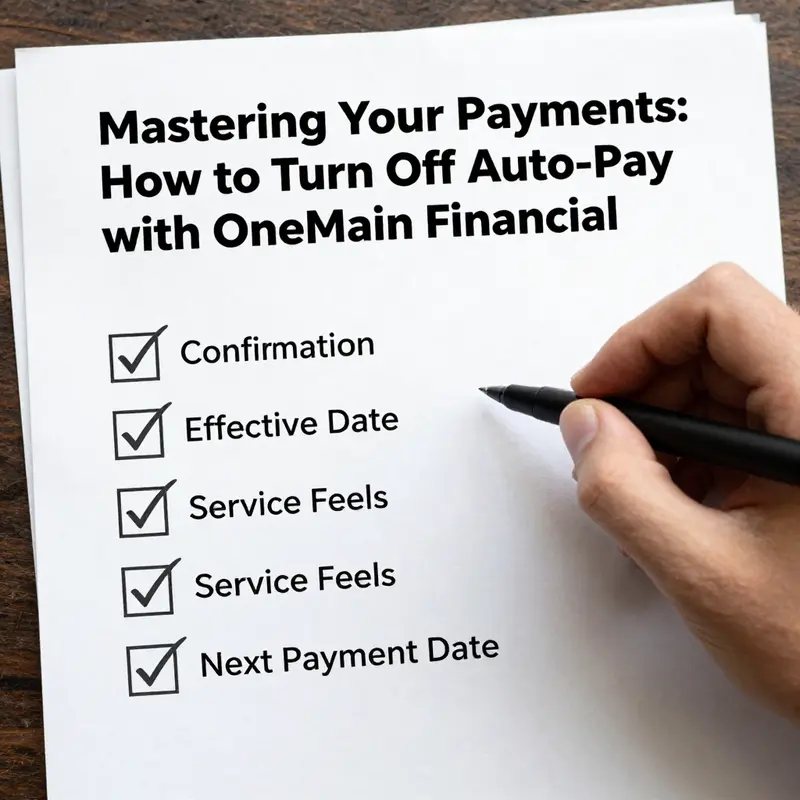
There are several careful considerations to keep in mind as you complete this task. First, confirmation matters. Ensure you’ve received a formal acknowledgment that auto-pay has been disabled. If you rely on email notifications, check for a message from OneMain Financial that reiterates the change. If you don’t see a confirmation within a reasonable window, log back in and verify the status of auto-pay in your account settings. A short delay in the system delivering a confirmation does not always reflect an actual cancellation. A quick verification helps prevent the next scheduled payment from slipping through the cracks.
Second, be mindful of the effective date. Canceling auto-pay stops new deductions, but it may not prevent a payment that has already been scheduled before you turned the feature off. Review the upcoming payment dates visible in your account or in a recent payment history report. If you see a scheduled charge that you don’t want to occur, you might need to intervene directly with customer support to adjust that upcoming transaction. This is especially important if you’re aligning payments with a new payday, a different debt payoff plan, or a temporary gap in funds. The financial calendar that accompanies your account is your best ally in this moment, because it helps you see the interlocking effects of timing and authorization.
Finally, remember that disabling auto-pay does not erase your obligations. You still owe the same balances and interest that existed before you turned off auto-pay. Your responsibility to monitor due dates and make timely manual payments remains. In fact, turning off auto-pay can introduce a new discipline: you must stay proactive about your payment dates, ensure sufficient funds, and track any changes to the payment amount if the loan terms have been adjusted. With that in mind, set up a reliable manual-pay routine. You can align manual payments with your monthly budgeting cycle, set calendar reminders a few days before due dates, and double-check that funds are available when the payment posts. This proactive approach helps minimize late fees and maintain a clean payment history.
If you encounter any friction during the process, you aren’t alone. OneMain Financial provides several avenues for assistance, and using these channels can save you time and frustration. The most direct route is to contact the customer service team by phone. The dialing instructions are straightforward, and speaking with a human can resolve edge cases quickly—such as a payment scheduled just as you’re turning off auto-pay or a system error that temporarily resists the change. In this context, the primary contact line is designed for general inquiries, including questions about auto-pay setup, changes, or issues. Speaking with a representative can help you confirm that your auto-pay setting is updated across all accounts and loans you manage.
In addition to phone support, the online support channel is a reliable option. When you’re logged into the official site, you can navigate to the account or my loans section, where you can review auto-pay settings, view payment history, and submit a support request. Live chat is often available during business hours, providing real-time assistance for immediate help with auto-pay concerns. This option is particularly useful if you want to share screenshots of your account pages or if you need a written transcript of the conversation for your records. The online route can be especially convenient if you’re managing several accounts or working from a device that’s not comfortable for voice calls.
If you’re seeking broader guidance beyond the immediate task of turning off auto-pay, you can explore adjacent resources through the broader financial knowledge landscape. For a wider, structured set of insights on handling automated payments and other payment settings, the Davis Financial Advisors Knowledge hub offers a repository of guidance and practical tips. This internal resource can serve as a useful companion as you navigate decisions about automation, budgeting, and debt management. You can access it here: Davis Financial Advisors Knowledge.
As you weigh your options, consider how you’ll keep records moving forward. A clear paper trail—screenshots of the disabled auto-pay status, confirmation emails, and notes from any conversations with customer service—will serve you well if questions arise later. Your documentation can help you demonstrate that you acted in a timely and deliberate manner, especially if you need to reference dates and steps you took to implement the change.
The broader goal is to cultivate a sense of clarity and control over your finances. Turning off auto-pay is not merely a toggle; it’s a moment to pause, re-evaluate your cash flow, and align your payment practices with your current financial plan. Doing this thoughtfully reduces the chance of inadvertently creating late payments due to misaligned automation and helps you maintain a more deliberate approach to debt management. It’s about preserving your financial integrity while keeping the lines of communication open with the lender so you can address any issues that arise without delay.
In the end, the process is designed to be user-friendly, but the real value lies in your vigilance and follow-through. After you’ve disabled auto-pay, take a moment to review your upcoming payment dates and the terms of your loan. If a payment is imminent, decide whether you want to schedule a manual payment to align with your budget. If you do not intend to make a manual payment at that moment, ensure that your bank account has sufficient funds to cover the due amount when processing occurs. A small amount of extra planning can prevent the awkward moment of a missed payment or an overdraft when the funds are not available in time.
If you ever need to revisit auto-pay in the future, the same access path applies. You can re-enable it by returning to the Payments or Billing section and selecting the auto-pay option again. The system will guide you through the reactivation process, including the confirmation prompts and the notification you’ll receive once auto-pay is live again. This cyclical capability—turning auto-pay off and on as needed—provides flexibility in how you manage your debt and your budget. That flexibility is valuable, especially during periods of financial change, such as shifts in income, alterations to your monthly obligations, or when you’re coordinating with a new pay schedule.
For the moment, the most essential steps are precise: locate the auto-pay setting within your account, disable the feature, and secure a formal confirmation. Then, review any upcoming transactions to ensure your plans align with reality. If you run into trouble, use the official contact channels to get direct help. The goal is to complete the transition smoothly so you don’t encounter late fees, misapplied payments, or confusion about what’s scheduled next. The result is greater control over your payments and a clearer path to managing your finances according to your current needs.
To close the loop, keep in mind that the official support resources exist to assist you through this exact scenario. They’re there to help you verify the status of your account, confirm the cancellation, and adjust any scheduled payments if necessary. By pairing a careful self-check with the available support channels, you ensure you’re never left uncertain about the status of auto-pay or the timing of future charges. As you continue to navigate the landscape of loans and repayments, this blend of proactive action and reliable assistance will serve you well.
External resource: For direct access to the official support page and contact options, you can visit the OneMain Financial contact page at https://www.onemainfinancial.com/contact-us/.
Final thoughts
In conclusion, turning off auto-pay with OneMain Financial is a straightforward process that can be easily managed through their website or mobile app. By following the outlined steps, considering important factors and ensuring confirmation of your cancellation, you take control of your financial commitments. Should you have any questions or require further assistance, do not hesitate to reach out to OneMain Financial’s customer service. Effective management of your payment methods is crucial in maintaining a responsible approach to your financing needs.